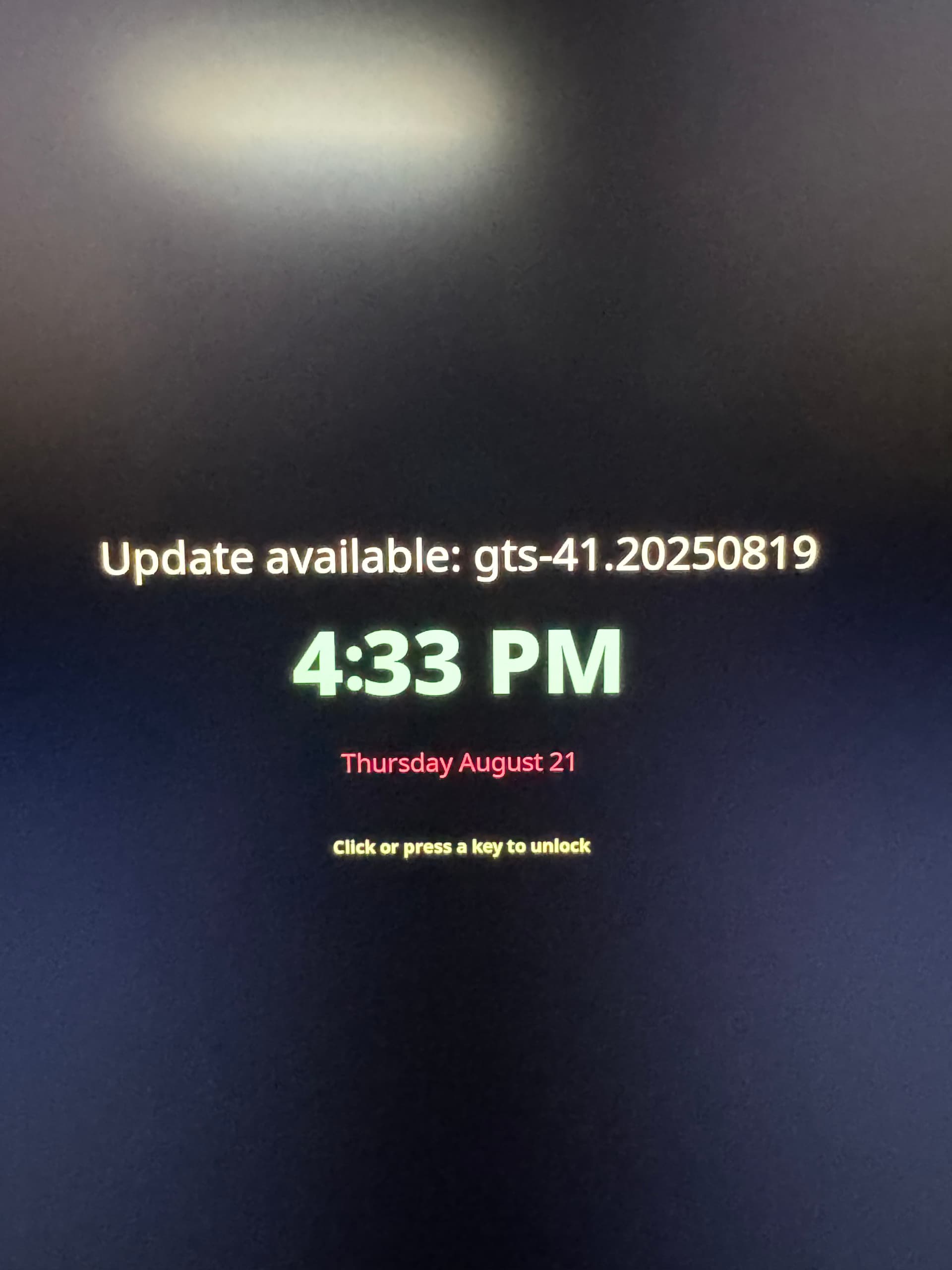
As the title states it would be useful for the user to know the when they shutdown or restart their systems a new system update will be applied on next startup.
A simple green dot ( just like the one KDE uses on the categories of the start menu when a new app is installed) would be an amazing start.
If the restart and shutdown symbols have the dot it means that a new update is going to be applied on the next system start.
Windows actually has a really good implementation of this even tho their system updates are very intrusive… I am not talking about the update and restart thing I am only talking about the dot
An even simpler implementation would be to just change the color of the shutdown and restart icons to when updates will be applied and if the user hovers over the icos it would say that a new version will be loaded on next startup.
But why ? You’re not supposed to even care about updates and just use your computer. If you care about updates, you can always update manually or check if any update is pending
You are missing the point. Yes you are not supposed to care about checking for updates or manually running the update process. I am not talking about that at all.
Whats the harm in having an ultra minimal way to notify the user that after you shutdown/restart you will be booting into a newer OS version? Its literally a dot or a color change of the shutdown restart icon in the start menu of Plasma/Gnome?
Its not a popup, its not a dialog, its not a request for update. Its there automatically in case an update is pending and other than restarting there is no other way to interact with this. Right in the area of Ublues way to take care of updates.
I mean if anyone wants to implement it, maintain it and fix it whenever it breaks, then its fine I guess.
For me personally, I get rid of as much distractions as possible, no unnecessary flashy stuff, no unnecessary notifications,.. I kind of like not knowing there’s an update, as I’m not tempted to reboot. (OCD I guess ?)
What would make more sense imo is implementing some kind of message if the automatic updates start failing for some reason and you’re on a very old deployment as a result. I had that kind of breakage on my custom image back when I used ublue-update. Just as a precaution even though its been reliable since.
What about the app update notification that bazaar will implement and Discover had? Do you want to get rid of that by default too?
A minimal way to present that could be the power buttons becoming red too on the basis of what I recommended instead of lets say green for a pending update. On hover the user could be informed for a repeated update failure. Its a minimal way to inform the user and only present a popup if the image becomes too old as you said.
This whole thing is only a QoL suggestion.
On the part of breakage I am sure it would only matter if Plasma/Gnome make some huge change, as the current way you are informed for pending updates is pretty standard when talking about ostree. Ofc you could turn of the pending update part if you want. I am not against that at all.
This is a very old debate and many people just do not know how much of a distraction it is to constantly “worry” about the need to reboot. I am happy for them that their computing life is so simple.
Rebooting is a context switch for me that can take more than an hour (at times) to recover from - i.e., get back to my working state before the reboot.
I frequently need to debug distributed systems written in multiple languages, and have multiple debuggers working together to help troubleshoot. It is very complicated to get to the correct state to examine what is happening. And these sessions can span multiple days at times.
So I did write an indicator.
WARNING! I wrote this for myself given the other tools and system configuration I have in place. It is not easy to start using.
But with this set of things running (systemd .service and associated .timer plus a GNOME extension) - I can easily tell what needs my attention and whether that needs to happen today or not.
Half of the people here cannot imagine that a big group of users, mostly laptop users, never ever turn off their laptop. They have become accustomed to suspend and hibernation.
I could go years without rebooting. The only reason I actually rebooted is when I switch distros.
A simple notification to inform the user “updates can be applied upon a reboot”, isn’t doing anything but letting me know it’s time to reboot, maybe later this week.
I don’t think this is asking much other than the ability to imagine how others are using their systems and how much that could deviate from what you consider a standard or normal use case.
I am moving more and more to the color change of the shutdown restart button as it seems to be the least possible intrusion to the clean fedora atomic image. Normal color means all good, green color means update pending. Nothing more.
I was thinking (for myself and family and friends whom I recommended Bluefin and Aurora and Bazzite) when waking up out of hibernation + if the machine has been beyond a threshold of for example 30 days online: a notification that it’s been X days since the last reboot, consider a shutdown instead of hibernating next time to get the latest updates. Instead of a notification based on actual data whether an update is pending.
But the changing colour button is a beautiful solution.
Thats actually a really good point. Instead of a simple notification that the image is old it would be a smart idea to specify hey do an actual restart/shutdown! A casual user would just run system update(tograde) and would think “ok that fixed it!” without actually restarting the system!
The funny thing is I have the same windows install for the last 9(?) years and this never happened to me but tbh I think the people that this does happens to refuse to update their system and MS says “this looks like the worst time I could do that so lets do it!”. I actually had a client that refused to update and wanted to fully disable windows updates on his system (yes even security ones). I was like absolutely not!
What @JohnAtl describes is how it nearly always worked for me on a corporate laptop with Windows 10 and also 11: due to system policies set by corp IT. Absolutely nothing I could do about it. Also, the updating process took forever, ofter a hard reboot was needed to get it to finish..
Back on topic
Yes exactly.. it’s not about involving users in the update process or informing them about things like old images, that is the technical part. Just that they should reboot once it a while, a consideration that they are simply not aware of. Especially the generic audience/users on something like Bluefin GTS.
That is the reason I laughed at John’s comment. It has even more dramatic effect when you are the person presenting their screen in a Webex or Zoom meeting with a dozen or more others. _If I only had a $0.05 for every time that happened to my peers and I …_
Another thing I don’t miss about working in a large company.
Something like this needs to be rock solid. I would not trust vibe-code to find a solution for that. Jorge would 100% have a better idea of what the optimal route is. The important thing is for the thread to pick up pace and for more users to show interest.