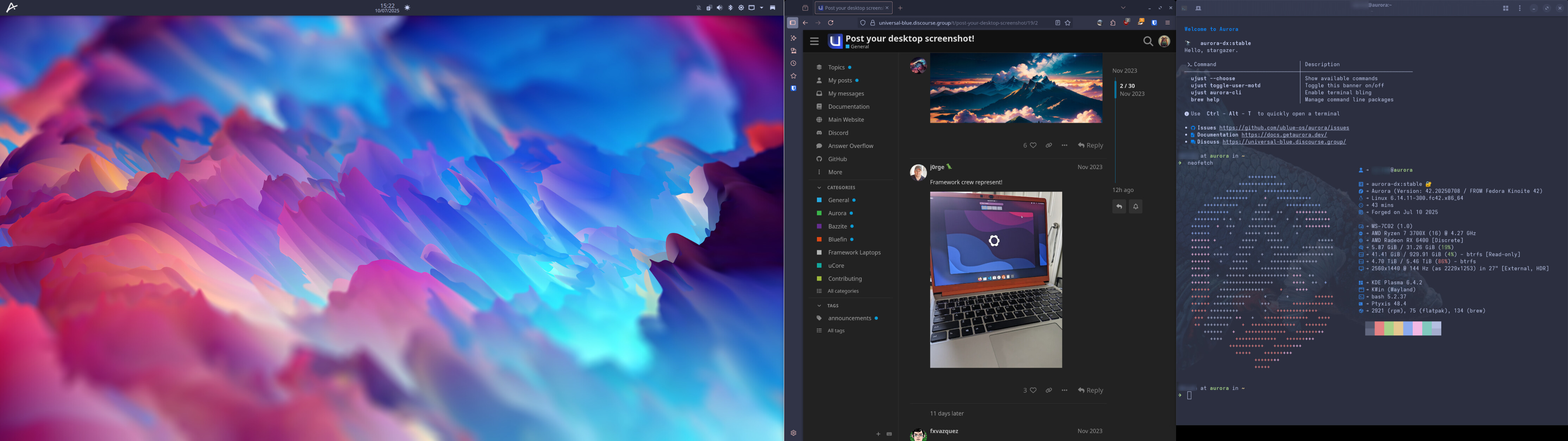
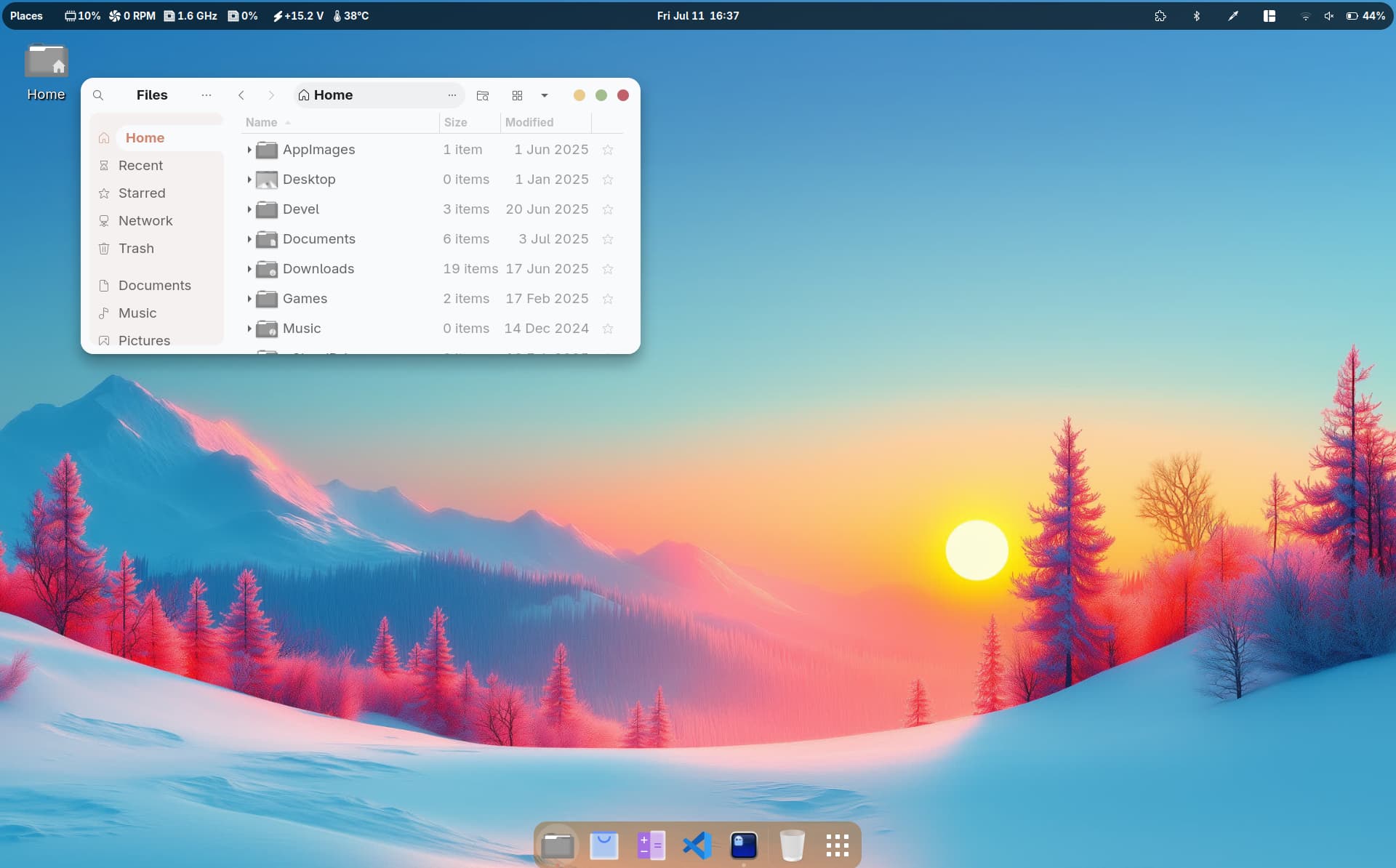
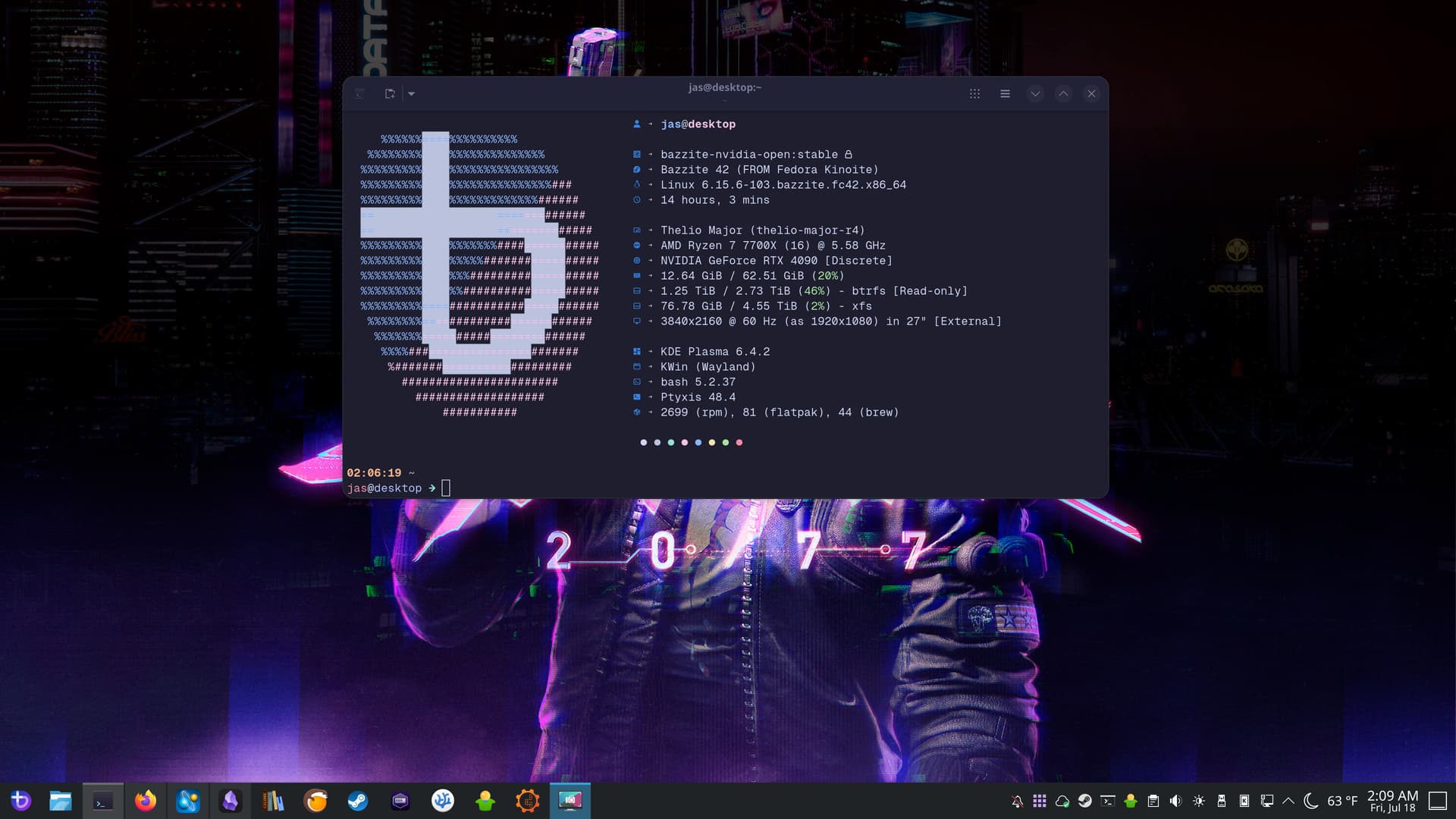
They are great for working in Vscode.
I usually have my Jupyter notebook open in the center for whatever I’m researching /experimenting with, and my various libraries on the right monitor. Super+letter to switch between libraries, Super+E for epilepsy, Super+M for machine learning, etc.
Kind of want a third one for the left side for Slack, Terminal, Firefox, etc. but workspaces on the center work pretty well.
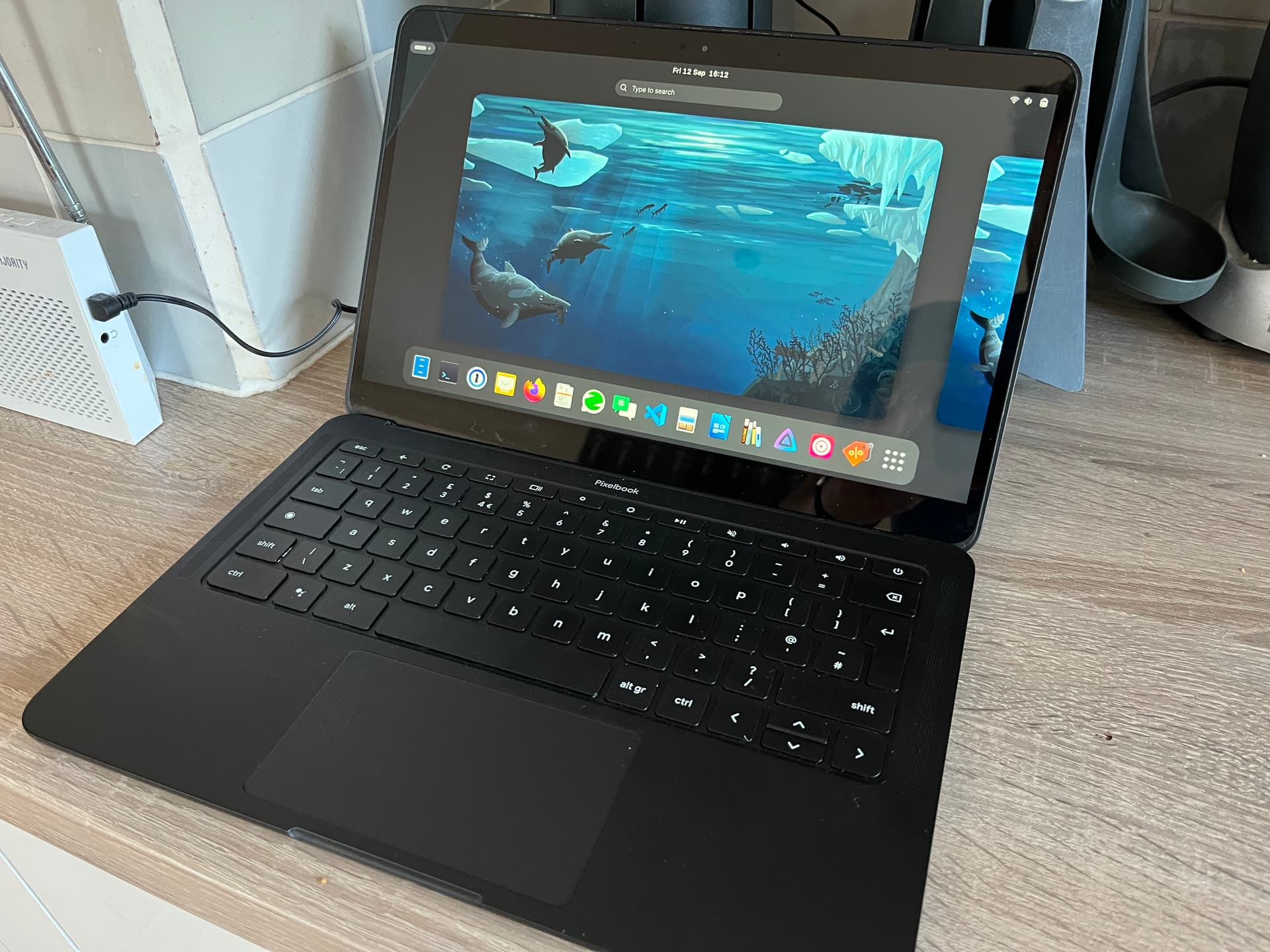
As a fun little project, I bought myself a used Pixelbook Go (i5, 128GB) and put Bluefin on it! After using the Chrultrabook docs to disable firmware protection and install CoreBoot, the process was exactly as a normal install! The only package I’ve had to layer is chromebook-linux-audio to get the Pixelbook’s built in speakers working.
There are a handful of scripts floating around to remap the function row to their labelled functions, but they require writing to /usr so don’t currently work on image-based systems. I’ve just used to GNOME remapper to bind media controls and am ok with that.
Overall impressions are that this is a fine machine for web browsing, light code editing etc, as expected with its specs, but I wouldn’t want to push it much further than that. A DevContainer with a basic Rust app runs surprisingly well. My only complaints are that the webcam doesn’t work under Linux (broadly a common issue from what I’ve read online), and that the built-in eMMC storage is slow. Even opening Firefox takes a few seconds!
I’ve have Bluefin GTS running on a Dell Inspiron 4GB RAM and 16GB eMMC since the beginning of this year
I flashed the new BIOS, just like you did, over 4 years ago and used the machine as a test bed for different Linux distros. The leanest one of all and fastest for the low resources of this machine has been SolusOS. But I deleted that because I’m all for immutable distros and I haven’t been happier with any other distros other than Bluefin.
I’m left with very low disk space, less than 4GB after removing many Flatpaks I don’t use, but it works perfectly! Even audio. I didn’t have to layer audio drivers as you did.